
15+ Home Office Setup Ideas for Better Work Anywhere
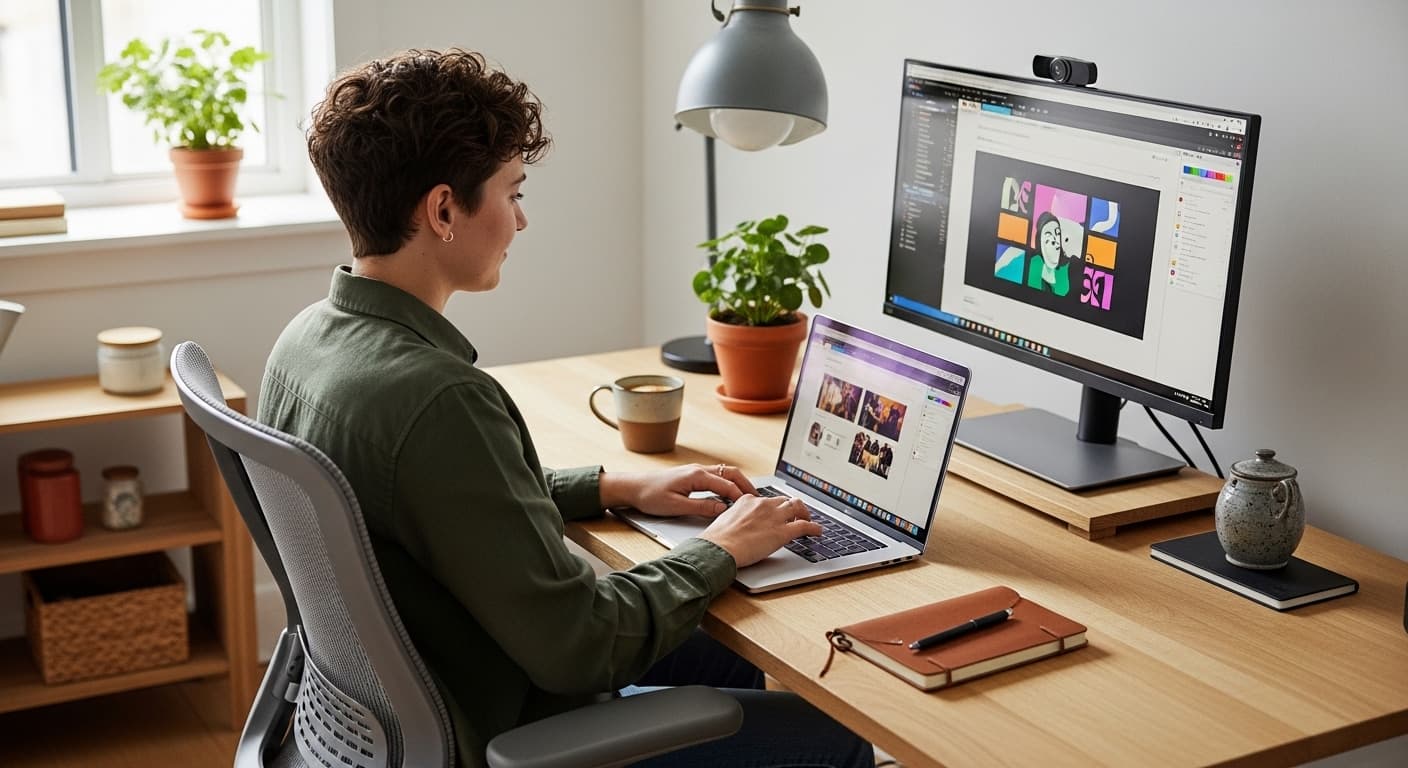
15+ Home Office Setup Ideas for Better Work Anywhere
Working from home has moved from a short-term fix to a long-term reality for millions of people. But having a dedicated space to work from and having a space that actually helps you work well are two very different things. The right home office setup ideas can improve focus, reduce distraction, protect your posture, and make the end of the working day feel like a genuine finish line rather than a blurred continuation of everything else.
This guide covers the most practical and popular home office ideas for 2026. Whether you have a spare room to convert, a corner of a bedroom to use, or just a small desk tucked into a hallway, there are proven approaches here that make a real difference.
From ergonomic desk setups and clever storage solutions to lighting tricks and acoustic improvements, these ideas are built around how people actually work, not how a designer imagines they might.

Why Your Home Office Setup Matters More Than You Think
Most people underestimate how much their physical environment affects the quality of their work. Noise, poor lighting, an uncomfortable chair, and a cluttered desk all create low-level friction that adds up over a full working day. Good home office ideas do not just make a space look better. They remove that friction and make it easier to concentrate, stay organised, and mentally separate work from home life.
Before choosing any furniture or layout, three questions are worth answering honestly:
- How many hours per day do you actually spend at your desk and what type of work do you do most?
- How much space do you have and is it shared with other household uses?
- What are the biggest problems with your current setup, whether it is noise, light, storage, or comfort?
The answers shape every decision that follows. A person on video calls all day has very different needs to someone who works alone on written or creative work. Understanding this first prevents spending money on the wrong things.

The Best Home Office Setup Ideas by Space and Style

1. The Dedicated Spare Room Office
If you have a spare bedroom or unused room to convert, this is the most effective home office setup available. A full room gives you control over noise, temperature, and visual separation from the rest of the home. This separation is psychologically important. When you walk into a room that is used only for work, your brain shifts into work mode more quickly. When you leave it, the transition back to personal time is cleaner.
For a dedicated room, invest in the desk and chair first before anything else. A large desk with sufficient depth for a monitor, keyboard, and working documents makes a measurable difference to comfort and productivity. A quality ergonomic chair is not a luxury for a full-time remote worker. It is a health requirement.

2. Small Home Office Ideas for Limited Spaces
Not everyone has a spare room. Most people working from home do so in a corner of a bedroom, a section of a living room, or a converted alcove. Small home office ideas are about maximising function in a limited footprint without letting the workspace take over the whole room.
Wall-mounted shelving above the desk keeps storage off the worktop surface. A floating desk anchored to the wall takes up less floor space than a freestanding unit and creates a cleaner look. Using a cabinet or wardrobe as a concealed office, closing the doors at the end of the day, is one of the most effective ways to maintain a mental boundary between work and living space.
For more small space ideas and clever storage solutions visit Quick Decor Ideas for practical room-by-room guides suited to compact homes.

3. Home Office Desk Setup for Focus and Ergonomics
The desk setup itself is where the most practical gains are made. A cluttered, poorly lit, uncomfortable desk creates strain and distraction even in an otherwise well-designed room. A well-considered home office desk setup, by contrast, makes a long working day significantly more manageable.
The key elements of a good desk setup are monitor height, keyboard position, and lighting. The top of the monitor should be roughly at eye level to prevent neck strain. The keyboard and mouse should allow your arms to rest at a natural angle with elbows at approximately 90 degrees. A monitor arm frees up desk surface, allows height and angle adjustment, and immediately makes a setup look more intentional.
Cable management is the detail that separates a tidy setup from a messy one. A cable tray under the desk, a few velcro cable ties, and a power strip mounted out of sight cost very little and make a considerable difference.

4. Home Office Lighting Ideas
Lighting is the most underestimated element of any home office setup. Working in poor light causes eye strain, fatigue, and headaches over a full day. Natural light is the best option, but it needs to come from the side rather than directly behind or in front of the monitor to avoid glare.
For artificial lighting, use a combination of overhead ambient light and a focused desk lamp. Warm white LED bulbs between 3000K and 4000K give a comfortable, natural-feeling light that reduces eye strain compared to cooler blue-toned options. A bias light placed behind the monitor, a low-level strip of warm light on the wall behind the screen, reduces the contrast between the bright screen and the dark wall and is particularly helpful for long work sessions.
The Wirecutter Home Office Lighting Guide is a well-regarded external resource covering desk lamp reviews, LED colour temperature comparisons, and bias lighting recommendations for working from home.

5. Home Office Organisation Ideas
A disorganised workspace is a slow-draining source of stress. Home office organisation ideas that actually work are not about making a space look good for photos. They are about reducing the time spent looking for things and the background anxiety of working in visual clutter.
Start with a simple inbox and outbox tray system for physical documents. Add a pegboard or wall-mounted organiser for items used daily. Use a drawer unit under the desk to keep the surface clear. Label everything that is stored in boxes or containers because labelled storage gets used and unlabelled storage becomes a dumping ground.
Digital organisation is equally important. Keep your desktop clear, create a simple folder structure for documents, and use a consistent naming system for files. These habits take minutes to set up and save hours over time.
For more home organisation ideas and storage guides, visit Quick Decor Ideas for practical advice on decluttering and organising every type of home workspace.

6. Acoustic and Privacy Improvements
Background noise is one of the most commonly reported problems for people working from home. Whether it is household noise, street noise, or sound travelling from other rooms, poor acoustics reduce concentration and make video calls difficult.
Soft furnishings absorb sound more effectively than hard surfaces. A rug under the desk, curtains or blinds on the window, and a few cushions or a sofa in the room all help. For more serious noise problems, acoustic panels are available in a wide range of designs that look like wall art rather than soundproofing material.
Privacy screens on monitors protect sensitive information from being seen by others in the household and are worth considering for anyone dealing with client data or confidential work.

Quick Comparison: Home Office Setup Ideas at a Glance
Use this table to compare the most popular home office setup approaches by space type, main benefit, and suitability.
| Setup Type | Best For | Main Benefit | Space Needed | 2026 Trend |
| Dedicated Room Office | Full-time remote workers | Full focus and separation | Spare room required | Yes |
| Corner Desk Setup | Part-time workers | Minimal footprint | Any room corner | Yes |
| Floating Desk Alcove | Small flats | Space saving | Alcove or niche | Yes |
| Concealed Cabinet Office | Shared living spaces | Work-life separation | Wardrobe or cabinet | Growing |
| Ergonomic Desk Setup | Long working hours | Health and comfort | Any desk space | Yes |
| Acoustic Office | Video calls, deep focus | Noise control | Any room | Growing |
Choosing the Right Style for Your Home Office

A home office does not have to look like a corporate workspace. In fact, the best home office setup ideas blend function with the existing style of your home so the space feels personal rather than institutional.
Neutral tones like warm white, soft greige, and light sage work well as wall colours because they are calm, easy to focus in, and do not compete with the screen. Adding one or two plants improves air quality and makes the space feel less sterile. A piece of artwork or a framed print gives the room character without distracting from work.
For those who want a more defined aesthetic, the following approaches are popular in 2026:
- Japandi style: minimal furniture, warm wood tones, clean lines, and very little on the desk surface beyond the essentials
- Industrial look: dark metal desk frame, exposed shelving, concrete or slate wall tones, and Edison-style desk lamp
- Biophilic design: natural materials throughout, a large plant or two, linen textures, and wood rather than white surfaces
- Modern minimalist: handleless storage units matching the wall colour, hidden cables, and a single hero piece of lighting
The style matters less than the function. Choose one that you genuinely like spending time in because you will be sitting in it for hours at a stretch.

Practical Tips Before You Set Up Your Home Office
These points apply regardless of budget or space size and are worth considering before buying anything.
- Measure your space before ordering any furniture. A desk that is too large for the room creates more problems than it solves, and returning large items is often complicated.
- Buy the chair before the desk if budget is limited. You sit in the chair all day. The desk matters much less to your physical comfort and can be upgraded later.
- Test your broadband connection at the point where you plan to work. A wired ethernet connection from a router is far more reliable than Wi-Fi for video calls and large file transfers.
- Consider the position of power sockets. Running an extension lead across the floor is a trip hazard and looks messy. If sockets are in the wrong place, it is worth having an electrician add one before fitting furniture around a less convenient position.
- Natural light is best, but make sure your monitor does not face directly into it. Position the desk so the window is to the side rather than directly behind or in front.
For more home office setup ideas covering furniture, layout, and storage in every type of home, visit Quick Decor Ideas for practical guides built around real spaces.

Final Thoughts
The best home office setup ideas have one thing in common: they are built around the person using the space rather than around an idealised version of what a home office is supposed to look like. A beautiful setup that gives you back pain by lunchtime is not a good setup. A modest corner desk with proper lighting, a decent chair, and organised storage that lets you focus is an excellent one.
Start with the essentials: a chair that supports your posture, a desk at the right height, and light that does not strain your eyes. Get those three things right and everything else is improvement rather than necessity. Add storage, improve acoustics, and refine the style over time as you learn what your work actually requires.
Small changes to a home office setup often produce surprisingly large improvements to focus, comfort, and the ability to mentally separate work from home life. Start with one area, test what works, and build from there.
Frequently Asked Questions About Home Office Setup Ideas
What are the most important elements of a good home office setup?
The three most important elements are an ergonomic chair, proper lighting, and a desk at the correct height. Everything else improves the setup, but these three have the most direct impact on comfort, health, and the ability to concentrate over a full working day. Once these are in place, storage, acoustics, and aesthetics are the next priorities.
How do I set up a home office in a small space?
Use a wall-mounted floating desk to save floor space. Add shelving above the desk rather than beside it to keep storage vertical. A concealed office inside a wardrobe or cabinet is one of the most effective small home office ideas for people living in shared or open-plan spaces. Keep the colour palette simple and light to prevent the workspace from visually dominating the room.
What is the best desk setup for working from home all day?
For full-time remote work, a monitor arm is the single most impactful desk upgrade. It brings the screen to eye level, frees up surface space, and makes posture significantly easier to maintain. Pair it with a good ergonomic chair, a keyboard tray if needed, and a quality desk lamp. Keep the desk surface as clear as possible. Clutter on the desk creates low-level mental distraction even when you are not consciously noticing it.
How do I reduce noise in my home office?
Soft furnishings absorb sound and reduce echo. A rug under the desk, curtains rather than blinds, and upholstered seating all help with general background noise. For more serious acoustic issues, decorative acoustic panels are available that look like wall art but significantly reduce sound reflection. Noise-cancelling headphones are a practical short-term solution for video calls and focus work while longer-term improvements are made.
Do I need a dedicated room for a home office?
No. Many effective home office setups use a corner of a bedroom, a section of a living room, or a converted alcove. The key is creating a clear distinction between the work area and the rest of the space. A floating desk in an alcove, a rug defining the workspace, or a concealed cabinet office with doors that close at the end of the day all achieve this without needing a separate room.